
Practical Strategies to Boost Rankings
You can improve your search rankings and convert casual visitors into engaged users by focusing on on-page SEO basics and sharpening how you present information. Focus your titles, meta descriptions and headings around clear, targeted topics, and structure content so both people and AI can quickly find the answer — that single change often delivers the biggest uplift.
Use simple keyword intent to guide what you write, format content for quick scanning, and add internal links and images that support the main points rather than distract. Small, deliberate edits to speed, clarity and link structure compound over time and make optimisation manageable without a full site overhaul.
Key Takeaways
- Optimise visible page elements to match clear user intent.
- Structure content for quick scanning and topical clarity.
- Add purposeful links and media to support the main message.
Keyword Research
Identify terms your audience uses, prioritise search intent, and map each strong keyword to a specific page. Focus on measurable metrics like monthly search volume, difficulty, and commercial intent when choosing targets.
How To Do Keyword Research Effectively
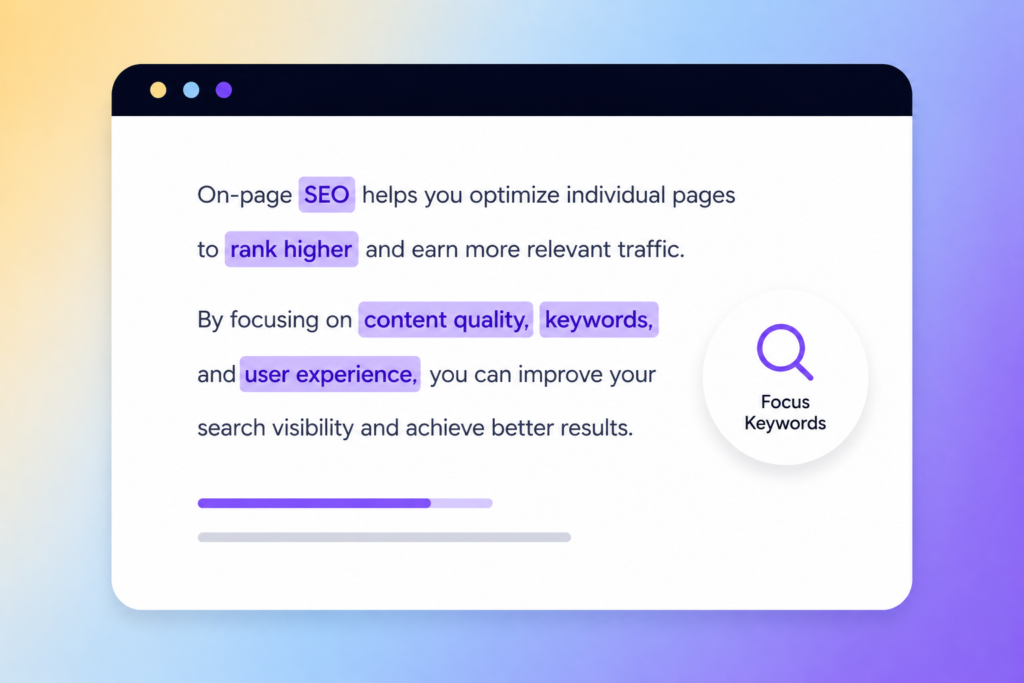
Start by listing seed topics tied to your products, services or content pillars. Use those seeds to generate variations: short-tail, long-tail, questions, and modifiers (e.g. “buy”, “best”, “vs”).
Assess intent for each term — transactional, informational, navigational — and only target keywords that match the page’s purpose. Intent alignment reduces bounce rates and improves conversions.
Evaluate metrics objectively: monthly search volume, keyword difficulty/competition, and cost-per-click as a proxy for commercial value. Filter out low-volume terms unless they show strong intent or topical relevance.
Prioritise a mix: a few competitive, high-value terms plus many achievable long-tail phrases that collectively drive steady traffic.
The Best Tools To Use
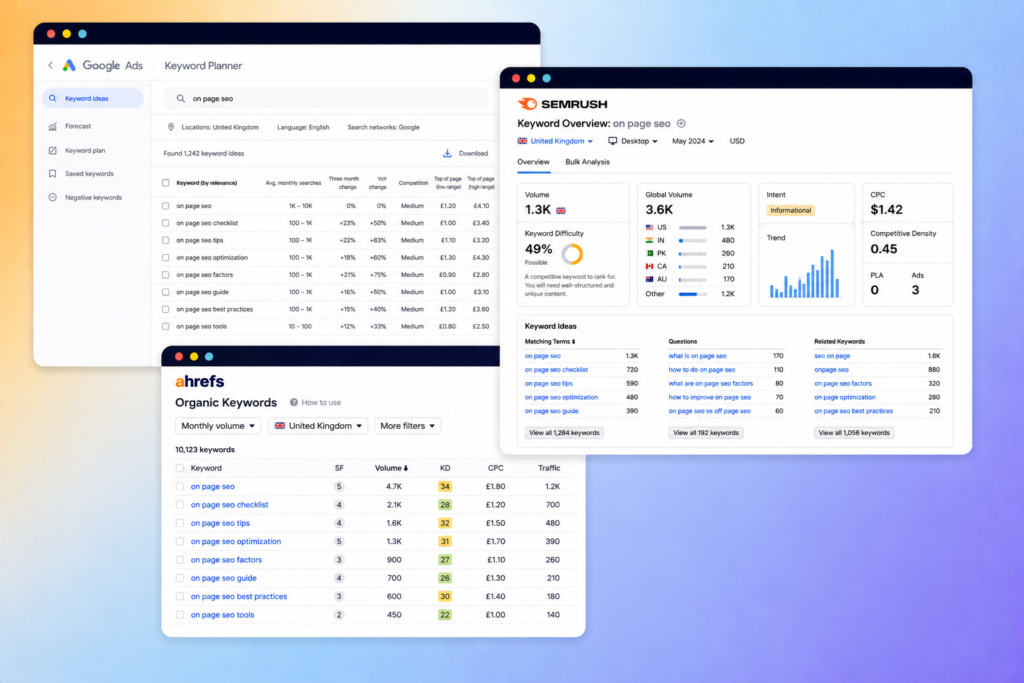
Use a combination of free and paid tools to triangulate data. Start with Google Keyword Planner for volume ranges and CPC, then add at least one specialised keyword tool for difficulty scores and SERP analysis.
Recommended set:
- Google Keyword Planner — volume and CPC estimates.
- Ahrefs or Semrush — keyword difficulty, parent topic, and top-ranking pages.
- AnswerThePublic or AlsoAsked — question-style queries to capture information intent.
- Google Search Console — real clicks, impressions and queries your site already receives.
Use competitor analysis within those tools to find pages that already rank for your target keywords. Export lists and deduplicate. Cross-check suggested keywords against actual SERP features (e.g. featured snippets, shopping, local pack) to decide whether to optimise differently.
Keyword Mapping To Pages
Create a keyword map: a simple spreadsheet with columns for keyword, intent, target URL, primary/secondary tag, volume, and difficulty. Assign one primary keyword per page to avoid cannibalisation.
Match page intent to keyword intent strictly; for example, assign product pages transactional keywords and blog posts informational or long-tail question keywords. This ensures pages serve searcher needs and rank for relevant queries.
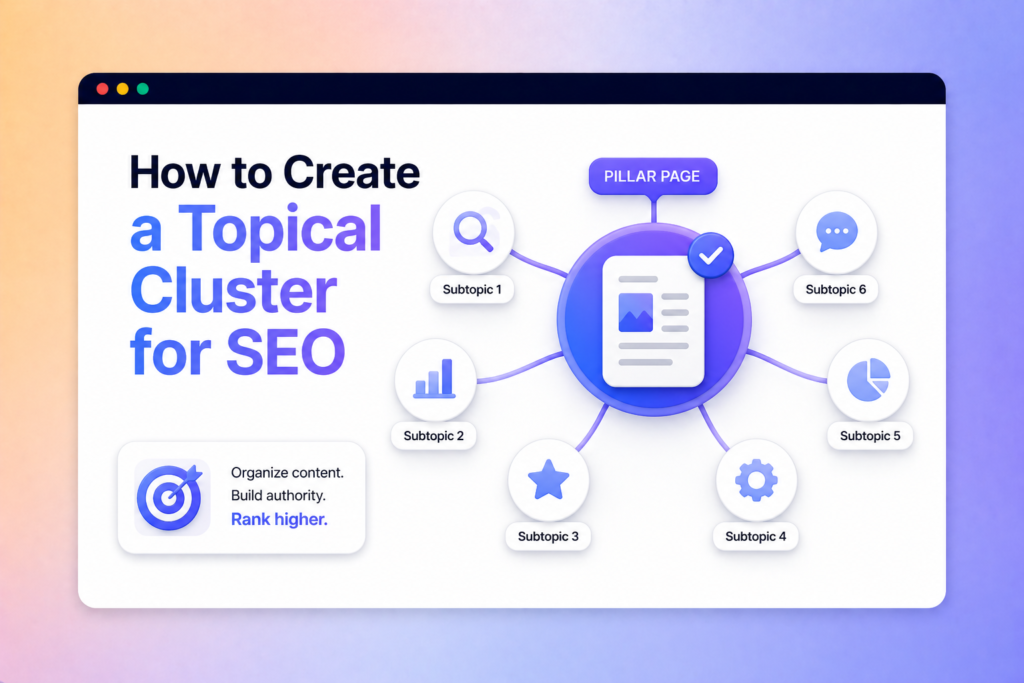
For clusters, group related long-tail terms under one content hub and use internal links to distribute authority. Update the map quarterly: remove underperformers, add new opportunities, and refine target URLs based on ranking changes and analytics data.
Optimising Page Titles and Meta Descriptions
You should make titles and descriptions precise, action-oriented and tailored to user intent. Use accurate lengths, include the main keyword early, and write for clicks without misleading users.
Crafting Compelling Page Titles
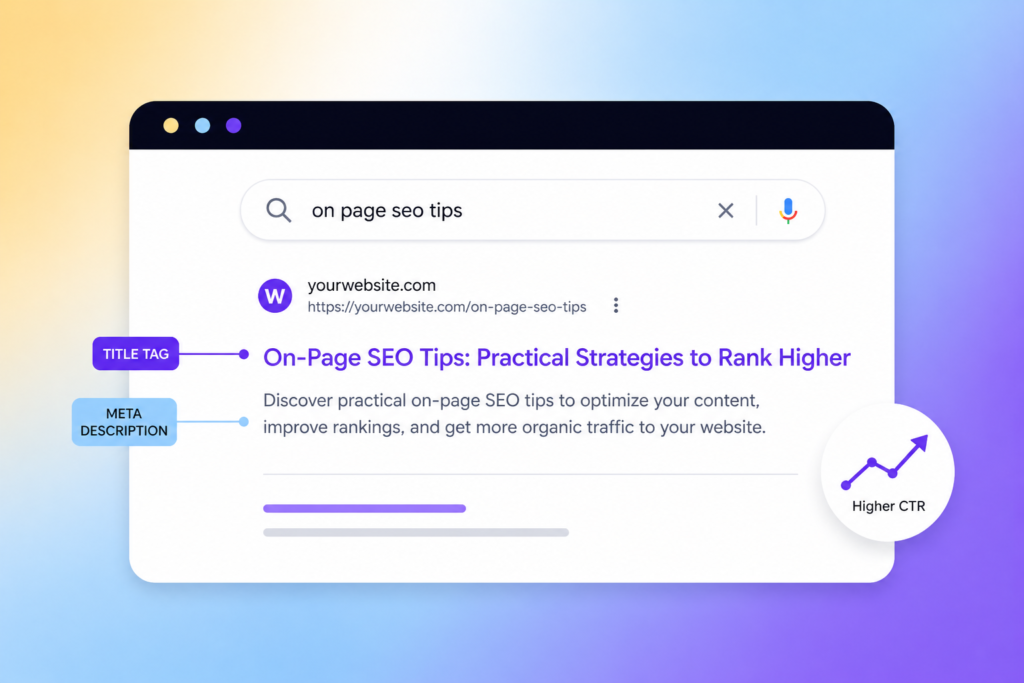
Keep titles between 50–60 characters so they display fully in most search results. Put the primary keyword near the start, followed by a clear value proposition or differentiator (eg, “Guide”, “Buy”, “Compare”) to signal intent.
Include brand only when it helps recognition or trust; place it at the end after a pipe or dash. Avoid stuffing with synonyms or punctuation—aim for natural phrasing that reads well in a single glance.
Use title templates for scale (Category | Benefit | Brand), but customise high-value pages. Test variants with CTR experiments and adjust based on real-world performance.
Writing Effective Meta Descriptions
Write descriptions of about 120–155 characters for desktop and up to ~160 for mobile to balance visibility and readability. Start with a strong verb or promise (eg, “Discover”, “Save”, “Learn”) and state the specific benefit or action you want users to take.
Include one clear call-to-action when appropriate (eg, “Get a quote”, “Read the guide”). Avoid repeating the title; instead expand on what the page delivers—features, unique offers, or quick outcomes.
Don’t rely on meta descriptions for ranking; focus on improving click-through rate and accurately reflecting page content to reduce bounce and user frustration.
Incorporating Relevant Keywords
Place the primary keyword in both the title and meta description, ideally within the first 50–60 characters of the title and early in the description. Use one or two secondary keywords only if they fit naturally and add clarity.
Match keyword phrasing to user intent: use transactional terms (“buy”, “price”) for product pages and informational terms (“how to”, “guide”) for blog content. For paginated or templated pages, create unique modifiers (eg, location, model, benefit) to prevent duplicate metadata.
Monitor Google’s rewrites and search snippets; if the engine frequently replaces your description, refine the copy to better match query intent and on-page content.
Structuring Content for Readability
You should organise content so readers find answers fast, scan efficiently and complete tasks without friction. Clear visual hierarchy, short blocks of text and compact lists reduce cognitive load and improve engagement.
Using Headings and Subheadings Appropriately
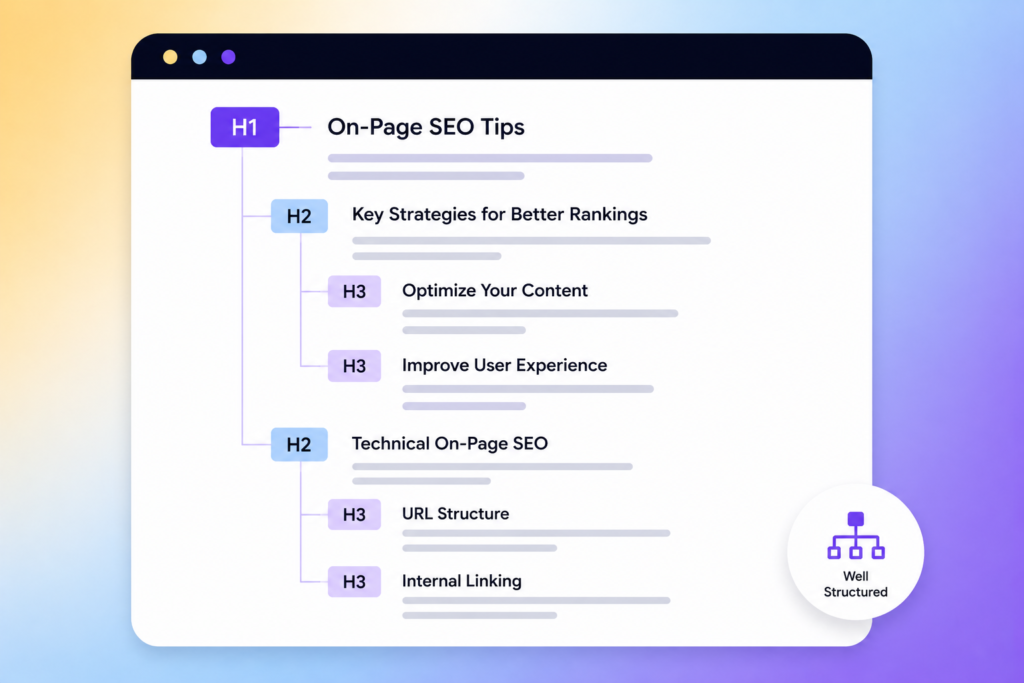
Use H1 for the page title and H2/H3 to create a predictable hierarchy that maps to your topic structure. Keep headings descriptive and keyword-focused — for example, “On‑Page SEO Checklist” rather than “Things to Know.”
Limit each heading to 5–8 words where possible so users scanning a results page or a long article can quickly identify relevance.
Apply one H3 level under each H2 section to group related points. Use consistent casing and style across the site to aid familiarity.
For accessibility, ensure headings follow semantic order (H1 → H2 → H3) and include ARIA landmarks if your CMS supports them. This helps screen readers and search engines parse intent.
Implementing Short Paragraphs
Write paragraphs of one to three sentences that each communicate a single idea. Short paragraphs render better on mobile and reduce scanning effort for readers who skim.
Aim for sentences averaging 12–17 words and avoid nesting multiple concepts in one paragraph.
Break complex explanations into bullet points or micro‑paragraphs. Use one idea per paragraph: problem, solution, example. This format improves comprehension and keeps readers moving through the page.
Utilising Bullet Points and Lists
Use bullets to present steps, features, or criteria that users must act on or compare. Prefer unordered lists for items without sequence and ordered lists for procedural content.
Keep list items concise — 6–12 words when possible — and use bold for the element you want the eye to catch, such as the action or metric.
Combine short explanatory sentences after a list when context is needed. For example:
- Keyword placement: target primary keyword in first 100 words.
- Readability check: aim for a 12-14 year old reading level.
This keeps lists scannable while preserving necessary detail.
Enhancing Internal Linking Strategies
Focus links on user intent, distribute authority to conversion and cornerstone pages, and keep anchors descriptive and varied. Prioritise crawlable links in body content and maintain a clear site hierarchy to reduce navigation friction.
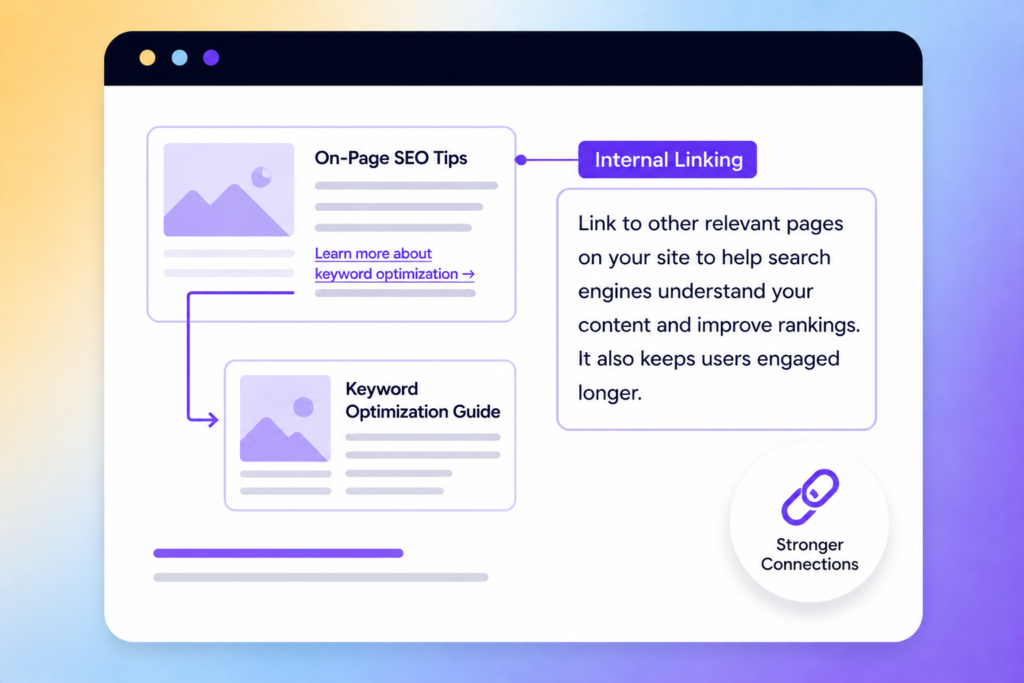
Contextual Linking Within Content
Contextual links live inside paragraphs and point users to related pages that expand on a specific idea. You should add these links where they naturally fit the sentence — for example, linking the phrase “optimising meta descriptions” to a detailed guide on meta tags. That helps users and search engines understand topical relationships.
Use a small, purposeful number of contextual links per article. Aim for 1–3 links in short posts and 3–7 in longer, in-depth pages. Avoid stuffing; each link must add value and match the reader’s intent.
Check anchor placement and visibility on mobile. Ensure links appear early enough in the content to be noticed and not hidden in long blocks of text. Use analytics to track click-through rates for contextual links and adjust based on performance.
Balancing Anchor Text Usage
Anchor text should be descriptive and varied to signal relevance without appearing manipulative. Prefer short natural phrases (e.g., “site structure guide”, “product page templates”) over exact-match spammy keywords.
Maintain a mix:
- Branded anchors (your company name)
- Generic anchors (learn more, read this)
- Descriptive anchors (specific topic or page title)
Monitor anchors across the site to avoid repeating the same keyword too often. Use a simple spreadsheet to record major anchors linking to high-value pages and rotate phrasing when necessary. This prevents over-optimisation and supports a natural link profile.
Avoiding Orphaned Pages
Orphaned pages receive no internal links, making them invisible to users and crawlers. Run a crawl report (Screaming Frog or similar) to list pages with zero internal incoming links and prioritise linking to them from relevant hub pages.
For each orphaned page, add at least one contextual link from a related article or category page. Place the link where it supports the reader’s flow; for example, link a product FAQ from the product detail page or link an advanced tutorial from a beginner guide.
Keep a routine check every quarter and integrate orphan-link fixes into your editorial workflow. That ensures important content remains discoverable and contributes to site authority.
Leveraging Multimedia Elements
Use images and other media to improve page relevance, decrease bounce rates, and provide clearer explanations of products or processes. Focus on fast-loading, accessible files with metadata that matches your page intent.
Optimising Images for SEO
Compress images to balance quality and file size — aim for under 200 KB for most site images while keeping visual clarity. Use modern formats like WebP or AVIF where supported; provide a fallback JPEG or PNG for older browsers. Resize images to the display dimensions rather than relying on HTML/CSS scaling to reduce bandwidth and improve CLS (Cumulative Layout Shift).
Name files with descriptive, keyword-relevant phrases (for example: blue-cotton-t-shirt-front-view.jpg) rather than generic strings. Implement responsive images with srcset and sizes attributes to serve appropriate resolutions to mobile and desktop. Add explicit width and height attributes to fix layout shifts. Serve images from a CDN and enable browser caching and HTTP/2 for faster delivery.
Adding Descriptive Alt Text
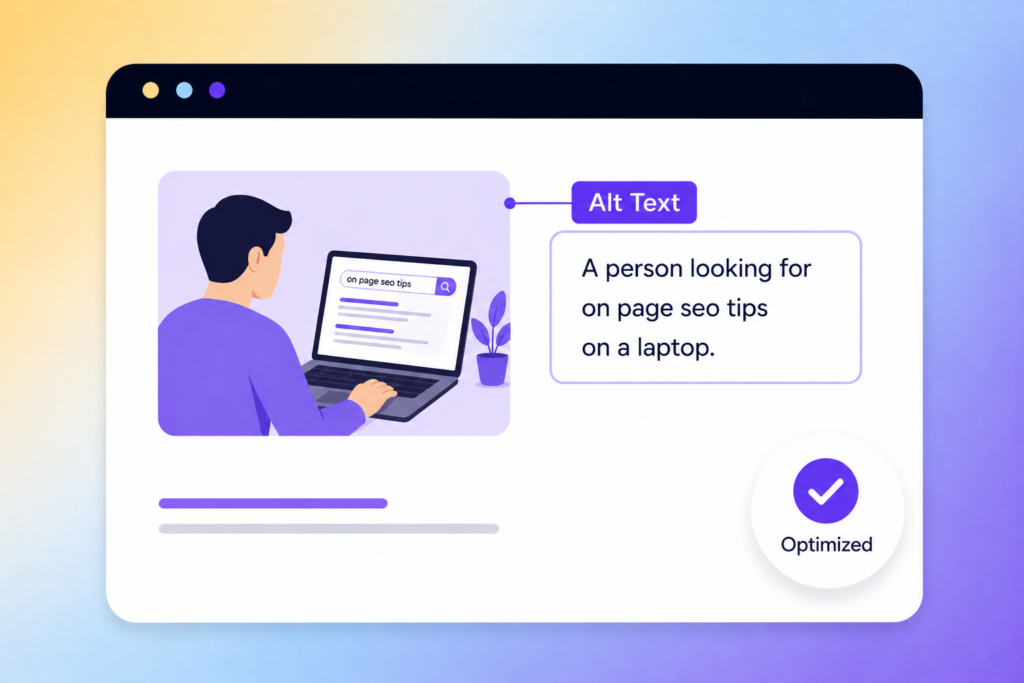
Write alt text that describes the image’s content and purpose in the context of the page; aim for one clear sentence or a short phrase. If the image is decorative and adds no informational value, use an empty alt attribute (alt=””) so assistive technologies skip it. For product photos, include SKU or product name plus distinguishing features — e.g., “Model 214 sneakers, navy mesh, white sole” — to aid both accessibility and image search relevance.
Avoid keyword stuffing; prioritise usefulness to someone who can’t see the image. For complex images like charts, provide a brief alt text plus a longer textual description nearby or via a linked longdesc. Keep alt text under ~125 characters when possible to match common screen-reader behaviour.
What’s Next?
Strong on-page SEO isn’t about chasing quick wins; it’s about consistently refining the details that improve both visibility and user experience over time. By aligning your content with search intent, structuring it clearly, and optimising key elements, you create pages that perform and convert.
If you’d rather not handle it all yourself, working with an SEO freelancer like me can help you get results faster. I offer practical, results-driven SEO support tailored to your business. Get in touch to discuss how I can help grow your rankings and traffic.